
Have you ever noticed a mysterious charge of .99 on your bank statement and wondered where it came from? You’re not alone. As streaming services, meal kits, and productivity apps become more prevalent, many people are experiencing subscription fatigue. How many subscriptions could be quietly affecting your finances each month without you even realizing it?
Why We All Have Too Many Subscriptions
Let’s be honest: companies make it way too easy to sign up—and way too hard to remember what you’ve signed up for. It’s a trap many of us fall into.
- Free trials that quietly roll into paid plans
- Services you needed just once—then forgot about
- Bundled deals that sound great but add up
According to surveys from major financial institutions, the average American now has between 6 and 12 active subscriptions—and most can’t name them all off the top of their head! It’s no wonder so many of us feel the sting of “subscription fatigue.”

The Hidden Cost of Subscription Fatigue
You and I both know: these little charges add up fast. It’s not just the money—it’s the mental clutter, too. How much are you really spending each year on stuff you barely use?
- Unused gym memberships
- Streaming services you forgot to cancel after that binge-watch weekend
- Software subscriptions for projects you wrapped up months ago
The general consensus among personal finance experts is clear: keeping tabs on recurring charges is key to financial health. Ignoring them? That’s a fast track to wasted cash.
Step 1: Track Down All Your Subscriptions
Ready to take back control? Here’s how the pros hunt down forgotten subscriptions:
- Check your email: Search for phrases like “subscription,” “receipt,” or “renewal notice.”
- Review recent bank and credit card statements: Look for recurring charges, even small ones.
- Explore app store subscriptions: On iOS, go to Settings > [Your Name] > Subscriptions. On Android, check Google Play > Payments & Subscriptions.
- Try a subscription tracker app: Tools like Rocket Money, Truebill, or Bobby can scan your accounts and list all active subs for you.
Honestly, this part can be an eye-opener. You might find things you signed up for years ago.

Step 2: Decide What Stays and What Goes
Not every subscription is a waste—some are totally worth it! But are you getting your money’s worth from all of them?
- Ask yourself: When did I last use this?
- Can I share this service with family or friends instead?
- Is there a free or cheaper alternative?
Finance experts recommend trimming ruthlessly. If a service doesn’t spark joy (or value), it’s probably time to say goodbye.
Step 3: Cancel the Right Way (Without the Runaround)
Some companies make cancelling easy. Others? Not so much.
- Cancel online when possible: Most services have a cancellation page in your account settings.
- Keep confirmation emails: Save proof in case you’re charged again.
- Contact customer service if needed: Some stubborn subscriptions require a call or email.
Since companies are required by law in many regions to honor cancellation requests, don’t be afraid to escalate if you hit roadblocks.

Step 4: Prevent Future Subscription Fatigue
Ready to avoid this mess next time? Here’s how I keep things sane—and how you can, too:
- Set calendar reminders for trial end dates and renewal charges.
- Use a dedicated email for sign-ups so you spot renewal notices early.
- Review your subscriptions quarterly—make it a habit!
It really is that simple. The trick is to be proactive, not reactive.
The Takeaway: Take Control, Save Money
Subscription fatigue is real, but you don’t have to be a victim. With a little detective work, you can uncover hidden charges, keep only what matters, and make your money work for you.
So, how many surprise subscriptions will you find? Maybe more than you think. Let’s get started—your wallet will thank you!

VPNs: Do You Really Need One or Is It Just Marketing Hype?
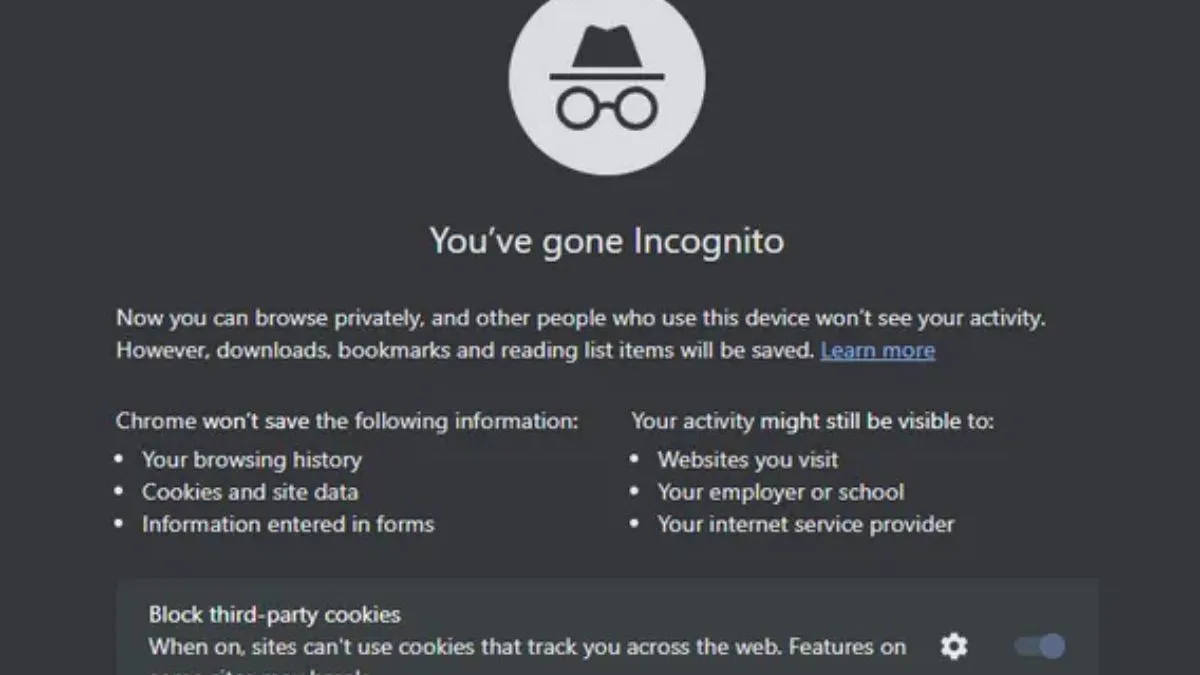
Incognito Mode: Does It Actually Hide Your Browsing from Your ISP?

5G Conspiracy: Why The Towers Are Harmless (Physics Explained)
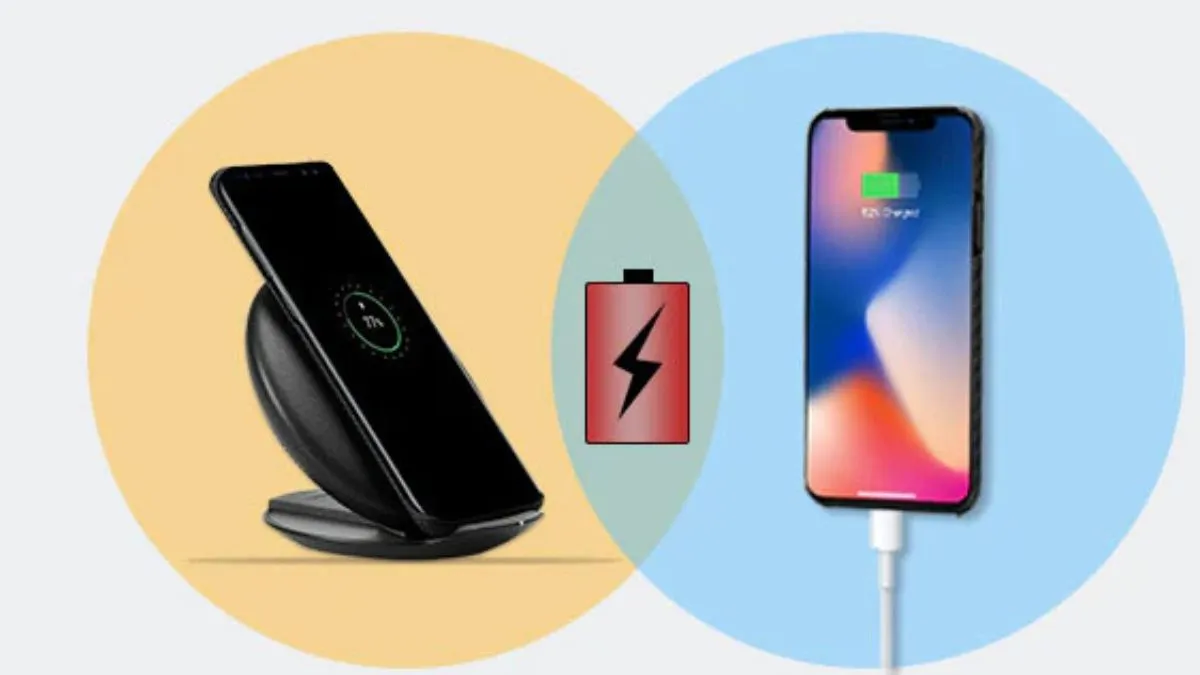
Wireless Charging: Is It Less Efficient Than Plugging In?

Screen Protectors: Glass vs Plastic – Which Actually Saves Your Screen?