Have you ever considered the reasons behind the growing popularity of dark mode on smartphones and apps? While it may appear to be a passing trend or a method to enhance battery life, there’s more to this choice than meets the eye. What are the actual benefits of dark mode, and is it truly as advantageous as many claim, or merely another tech myth in the digital landscape?
Let’s get into what really happens when you hit that dark mode toggle. The answer might surprise you.
What Actually Is Dark Mode?
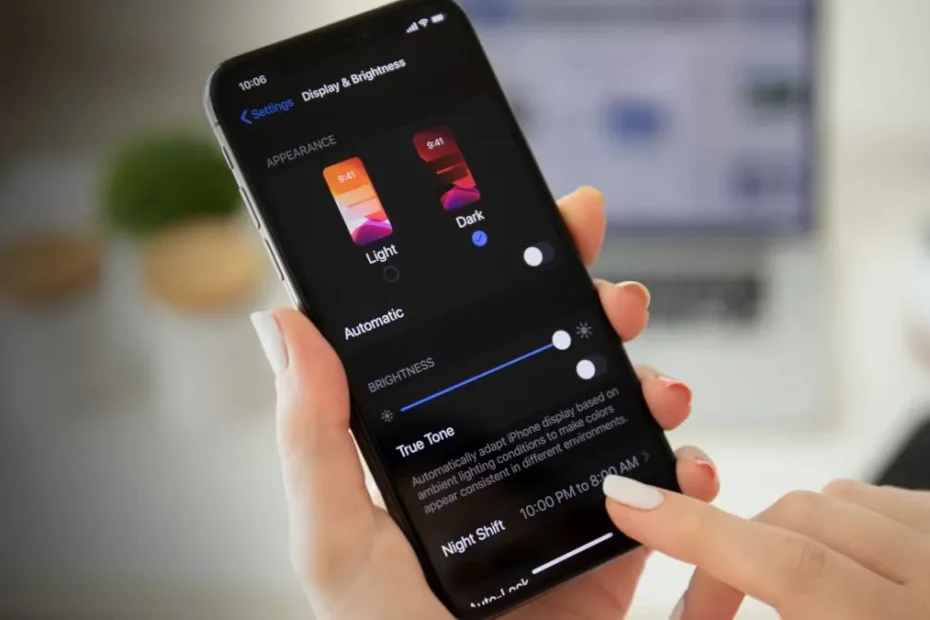
First, let’s clear up what we’re talking about. Dark mode flips your usual white backgrounds to deep grays or blacks, with light-colored text.

- It’s easier on the eyes at night.
- It’s become super popular in apps, browsers, and even operating systems.
- But does the color switch change more than just the vibe?
The Battery Saving Claim: Where Did It Start?
Lots of people (myself included) have heard that dark mode helps your phone battery last longer, especially on OLED screens. But where did that idea come from?
- When Google introduced dark theme to Android, they said it could save battery on OLED screens.
- Tech reviewers noticed their phones sometimes lasted longer in dark mode.
- But is it always true?
How Different Screens Use Power
Here’s where things get technical—but stick with me! Your device’s screen technology makes all the difference.
- OLED/AMOLED: Each pixel lights up individually. Black pixels are actually off, so they use less energy.
- LCD: Uses a backlight for the whole panel. Even black pixels don’t save much power because the backlight is always on.
If your phone has an OLED or AMOLED screen (like most newer Android phones and recent iPhones), dark mode can save energy. But if you’re on an older LCD device? Sorry, you probably won’t see a difference.
How Much Battery Can You Really Save?
Let’s talk numbers. According to studies and Google’s own tests, dark mode can save up to 60% battery at max screen brightness on OLED phones. But that’s the best-case scenario.

- In real-world use, savings are usually closer to 10-30% for screen power.
- If your phone’s brightness is low, or you’re using a lot of colorful images, the difference shrinks.
- Apps with mostly white backgrounds (browsers, email) show the biggest savings.
So yes, there’s proof that dark mode can help—but it’s not a magic bullet.
Are There Other Benefits?
Battery life isn’t the only reason to try dark mode. You might notice your eyes feel less tired when using your phone at night or in low light.
- Many people say dark mode’s easier on their eyes, though the science is mixed.
- It can reduce blue light a bit, for those worried about sleep.
- And let’s be honest: dark mode just looks cool, right?
Most experts agree it’s a matter of personal comfort and preference.
When Dark Mode Might Not Be Best
Here’s something you might not expect: dark mode isn’t always the winner. Some studies show it can strain your eyes when you’re reading lots of text in bright light.
- High contrast (white text on black) can be tiring for some people over time.
- It may be harder to read for those with certain vision challenges.
- Designers sometimes complain about lost details in images or graphics.
If you find yourself squinting or struggling to read, don’t hesitate to switch back.
Should You Use Dark Mode?
So, what’s the bottom line?
- If you’ve got an OLED screen and use your phone at high brightness, dark mode can stretch your battery life a bit.
- If you prefer the look, or want to ease your eyes at night, dark mode is a great choice.
- But if you’re hoping for a huge battery boost or use an LCD, don’t expect miracles.
In the end, the real benefit might be as much about style as savings. Why not try dark mode for yourself and see what you notice? After all, you can always switch back with a single tap.

VPNs: Do You Really Need One or Is It Just Marketing Hype?

Incognito Mode: Does It Actually Hide Your Browsing from Your ISP?
Subscription Fatigue: How to Find and Cancel Subs You Forgot About

5G Conspiracy: Why The Towers Are Harmless (Physics Explained)
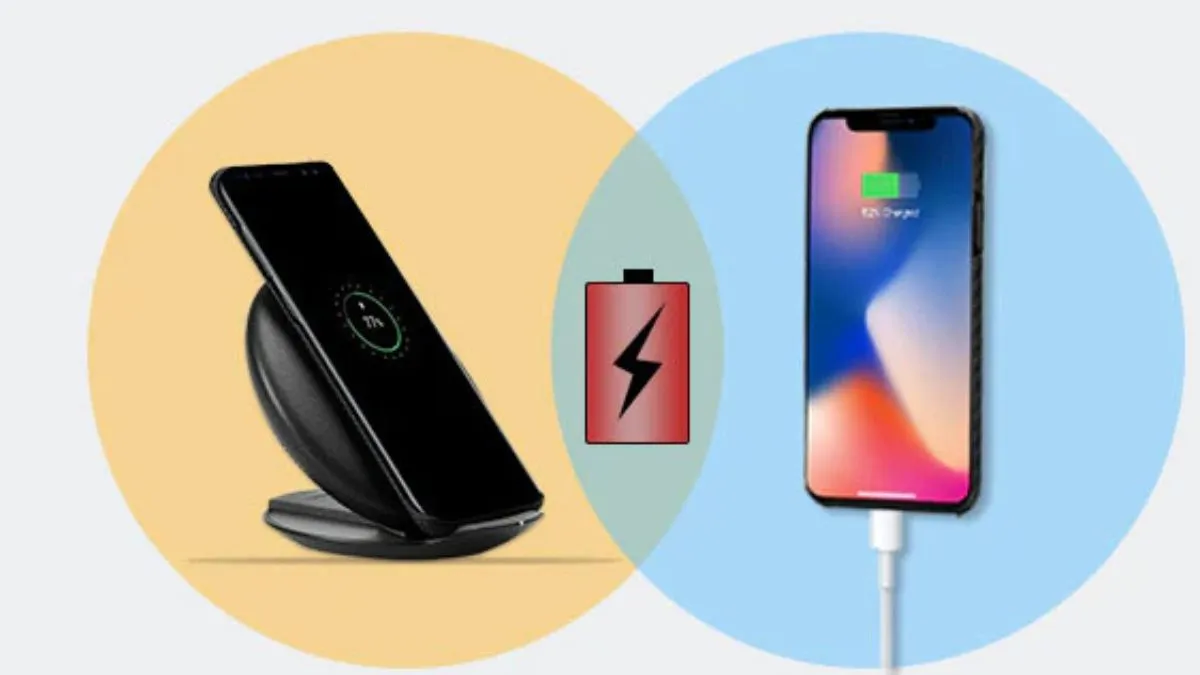
Wireless Charging: Is It Less Efficient Than Plugging In?